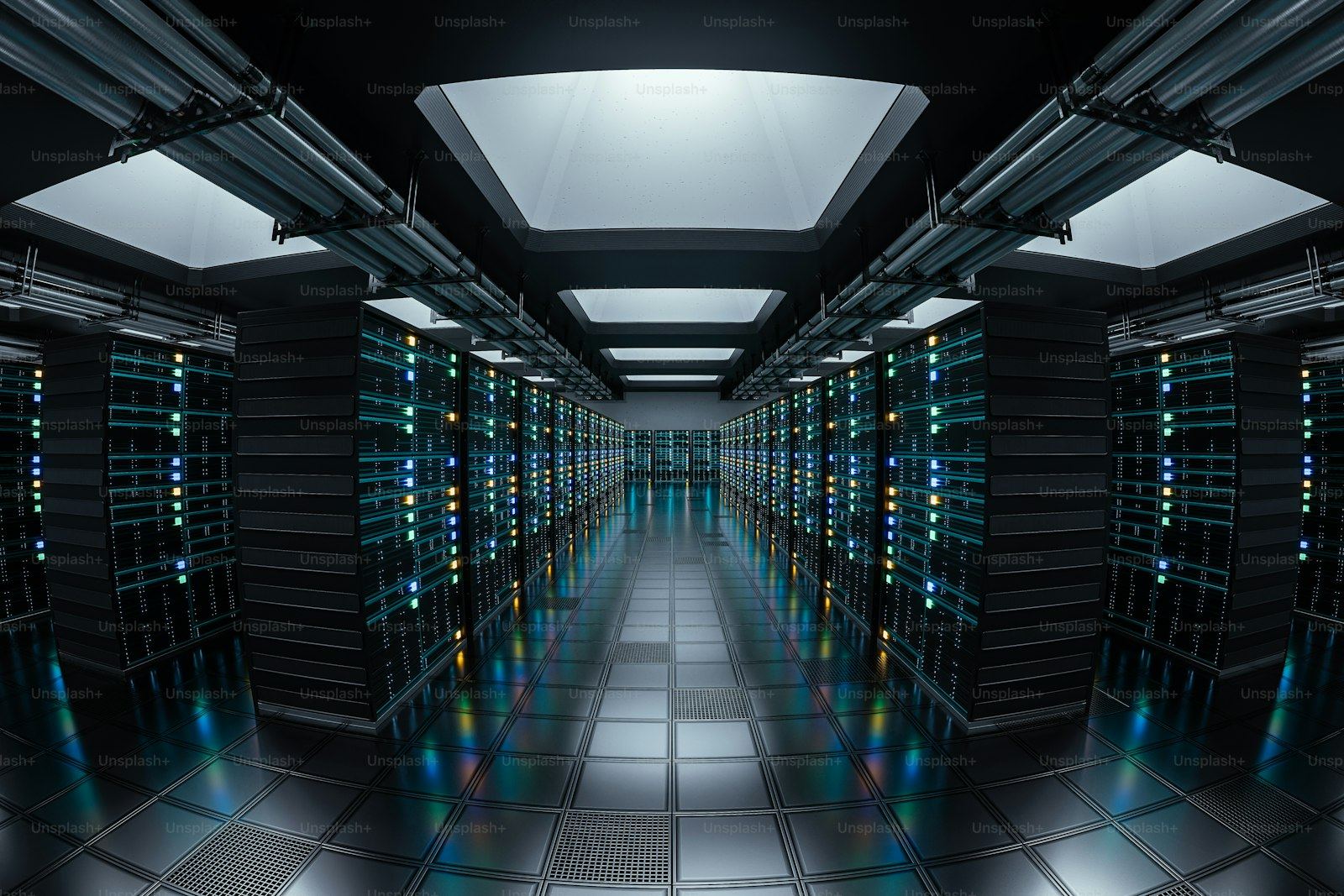
When organizations budget their first serious AI deployment, the conversation usually starts—and sometimes ends—with GPUs. That focus is understandable: accelerators dominate the headlines and, often, the purchase order. But a GPU that cannot be fed data fast enough, kept cool, or supplied with stable power delivers a fraction of its potential. Based on our market observation, the projects that struggle are rarely short on compute. They are short on everything around the compute.
This guide walks through the hardware layers that make up a working AI data center, explains how the requirements differ from traditional enterprise infrastructure, and offers practical advice for teams planning their first or next phase of AI capacity.
The Hardware Layers of an AI Data Center
A functional AI environment rests on five hardware layers. Underinvesting in any one of them creates a bottleneck that wastes money spent on the others.
1. Compute: the GPU server layer. The core of any AI deployment is the accelerator platform—typically multi-GPU servers built around NVIDIA HGX-class boards or comparable alternatives, paired with high-core-count CPUs, and connected through high-bandwidth interconnects such as NVLink within the node. The right GPU server solution depends on the workload: training large models demands maximum interconnect bandwidth and memory capacity per GPU, while inference workloads often run more economically on fewer or mid-tier accelerators with strong CPU and memory support. One common mistake is buying training-class hardware for workloads that are actually inference-dominated.
The compute layer also includes hardware that never touches a gradient: head nodes and CPU-only servers running job scheduling, data preprocessing, monitoring, and storage services. These systems do not need accelerators, but they do need reliability—when a head node fails mid-run, the training job fails with it. Standard dual-socket platforms such as Dell PowerEdge or HPE ProLiant handle these roles well, and they are prime candidates for cost-optimized sourcing.
2. Networking: the layer everyone underestimates. Distributed training synchronizes gradients across nodes constantly; if the network stalls, expensive GPUs idle. Serious AI clusters use dedicated high-speed fabrics—InfiniBand or RoCE (RDMA over Converged Ethernet)—at 200G, 400G, or increasingly 800G per port, with lossless behavior and carefully planned topology. This is a different discipline from standard enterprise networking, and it often requires switches, optics, and cabling that cost more than buyers expect. In our experience supporting enterprise buyers, networking is the line item most likely to be under-budgeted in first drafts of an AI project plan.
3. Storage: feeding the pipeline. AI workloads read training datasets and write checkpoints at rates that overwhelm conventional storage architectures. The practical baseline today is all-flash NVMe storage—enterprise SSDs with high sustained throughput and endurance ratings—often fronted by a parallel or scale-out file system. Checkpointing behavior matters as much as raw speed: a training run that checkpoints terabytes every few hours needs write bandwidth that traditional SAN designs were never built to provide.
4. Power: density changes everything. A traditional enterprise rack might draw 5 to 10 kW. A rack populated with current-generation multi-GPU servers can draw 40, 60, or even more than 100 kW. That jump has cascading consequences: electrical circuits, UPS capacity, PDU selection, and even floor loading must all be re-evaluated. Power provisioning is also where lead times hide—electrical upgrades to a facility can take longer to deliver than the servers themselves.
5. Cooling: the physical limit. Air cooling becomes impractical somewhere above roughly 20 to 30 kW per rack, depending on room design. Beyond that, direct liquid cooling or rear-door heat exchangers move from optional to necessary. Liquid cooling is no longer exotic—major server platforms now offer factory-integrated options—but it requires facility planning (coolant distribution, water treatment, leak detection) that should start months before hardware arrives.
Memory: the Quiet Multiplier
Between the headline layers sits one component that rarely gets strategic attention: system memory. AI data pipelines, preprocessing stages, and inference serving all lean heavily on host DRAM, and modern platforms rely on DDR5 memory bandwidth to keep accelerators fed. Skimping on memory capacity or populating channels incorrectly can measurably reduce GPU utilization—an expensive way to save money. As a rule, memory configuration deserves the same scrutiny as GPU selection, not whatever happens to be in the default configuration.
New, Previous-Generation, and Refurbished Hardware in AI Infrastructure
Not every layer of the AI stack needs to be purchased new, and thoughtful mixing is where budgets are won or lost.
The compute layer is the most generation-sensitive. AI framework optimizations, interconnect improvements, and memory bandwidth gains arrive with each accelerator generation, so organizations training at the frontier generally need current platforms. But many enterprise AI workloads—fine-tuning smaller models, running inference, supporting data science teams—run perfectly well on previous-generation GPU servers, where the price per unit of compute is dramatically lower. A carefully sourced refurbished server with accelerators from the prior generation can be a rational choice for inference farms and development clusters, provided the supplier's testing process verifies GPU memory health and thermal behavior under sustained load.
The supporting layers age far more gracefully. Storage enclosures, networking switches from one generation back, and standard x86 head-node servers handling orchestration, logging, and data preprocessing are all strong candidates for previous-generation or refurbished sourcing. The savings here can be redirected into the layers where generation genuinely matters.
This is also where an experienced enterprise server supplier earns its keep: knowing which components of an AI build tolerate previous-generation hardware, which do not, and where the secondary market currently offers real depth. Server hardware sourcing for AI projects is less about finding the lowest price on a single line item and more about assembling a coherent, compatible stack across new and secondary channels—with verified testing documentation for anything that did not come straight from the factory.
Practical Advice: Planning Your AI Hardware Investment
For teams moving from planning to procurement, the following steps prevent the most common and most expensive mistakes:
- Profile the workload before choosing hardware. Training, fine-tuning, and inference have radically different hardware profiles. Quantify model sizes, dataset volumes, batch behavior, and concurrency targets first; let those numbers drive the GPU, memory, and network decisions.
- Budget by layer, not by server. Force the budget to show compute, networking, storage, power, and cooling as separate lines. If networking and storage together are not a meaningful percentage of compute spend, the plan is probably unbalanced.
- Confirm facility readiness early. Verify available power per rack, cooling capacity, and floor loading before placing hardware orders. A GPU cluster that cannot be powered or cooled on arrival is an expensive storage problem.
- Design for the data path, not just the compute. Map how training data moves from storage to GPU and where checkpoints land. Provision NVMe enterprise SSD capacity and network bandwidth for that path explicitly.
- Match sourcing strategy to layer. Buy current-generation where the workload demands it; use previous-generation and refurbished hardware where it does not. Whatever the channel, require unit-level testing documentation—especially for anything with accelerators.
- Plan for expansion on day one. AI capacity rarely shrinks. Choose network fabrics, rack power, and cooling approaches that scale by adding nodes rather than redesigning the room.
- Treat suppliers as long-term partners. AI infrastructure evolves through phases, and a knowledgeable IT infrastructure partner who understands your stack can flag compatibility issues, source scarce components, and advise on timing—value that outlasts any single transaction.
Conclusion
AI data center hardware is a system, not a shopping list. GPUs deliver the compute, but networking keeps them synchronized, storage keeps them fed, and power and cooling keep them alive. Organizations that budget and source across all five layers—and that match each layer to the right generation and procurement channel—consistently extract more value from their AI investment than those that fixate on accelerators alone.
HKCHL supports enterprise buyers building AI infrastructure at every layer: GPU servers and previous-generation compute platforms, DDR5 memory, NVMe enterprise SSDs, and complete configuration sourcing across new and secondary market channels. If you are planning an AI deployment and want a practical second opinion on hardware selection or sourcing strategy, our team is happy to discuss your requirements and provide a quotation. Contact us to start the conversation.